DE//Design Element / ionic element
Colour//
Chroma flow to design a design/
DE//
ColourChroma Flow/
Design
Element/
Colour
Chroma Flow/
DE/Colour
In UX/UI design, colour is a powerful tool that impacts user interaction, brand perception, readability, and accessibility(WCAG/ADA)
DE/Colour
In UX/UI design, colour is a powerful tool that impacts user interaction, brand perception, readability, and accessibility(WCAG/ADA)
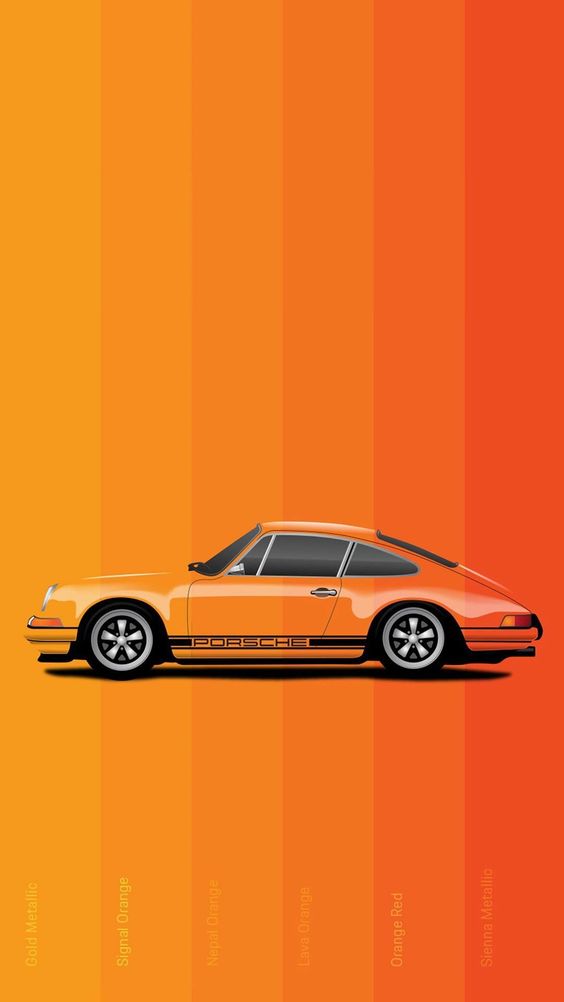
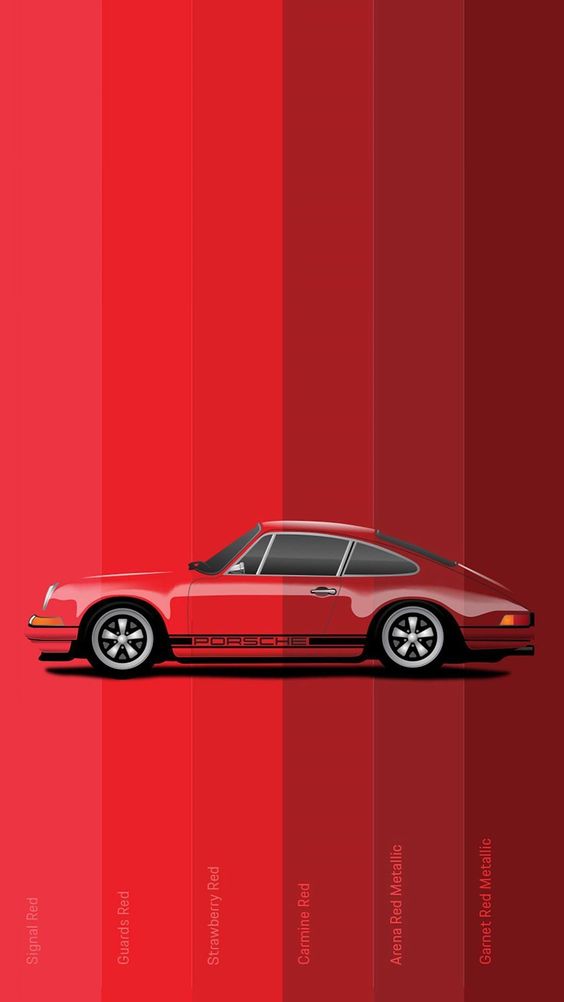
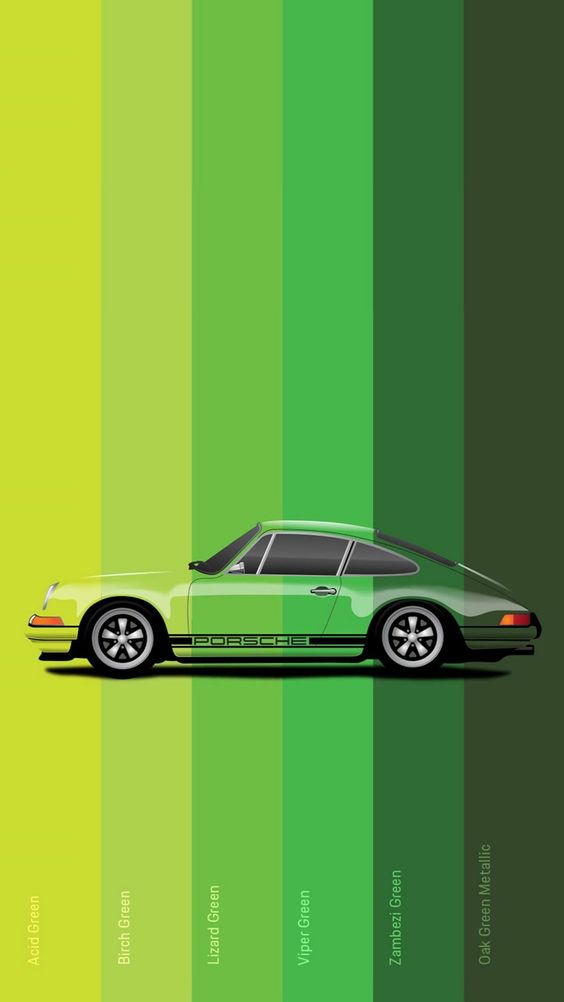
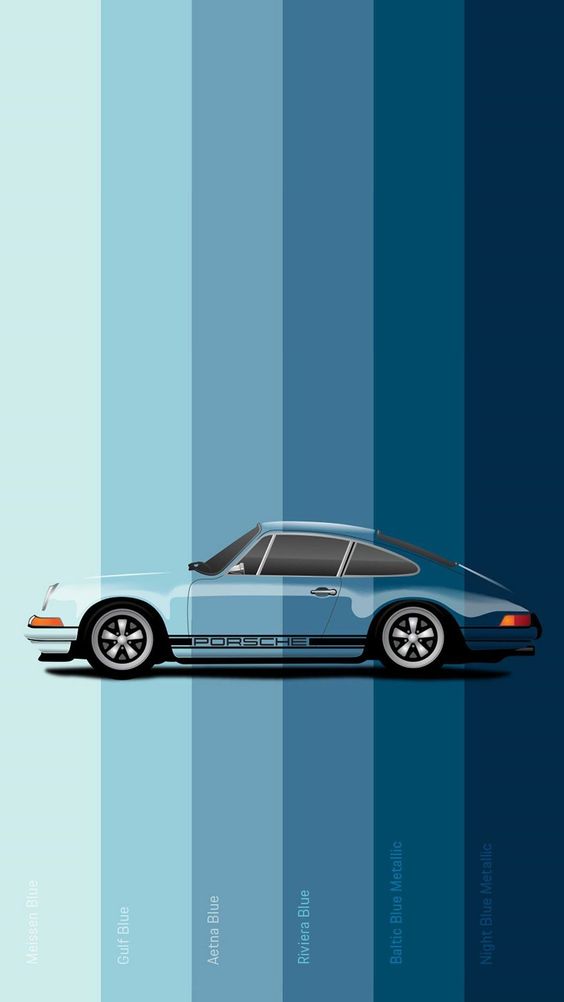
Color as UX/UI Root Element, Colour is a crucial element that goes beyond just aesthetics. It involves an understanding of various colour properties such as hue, saturation, and value, as well as more technical aspects like colour interaction and hexadecimal (hex) codes. These properties help designers create visually appealing, accessible, and functional interfaces.
5UX elements
Hue
Pack of free and minimalistic icons in plugin format. Constantly updated with new products.
01
(Colour psychology for 4D people)


5UX elements
Saturation
Pack of free and minimalistic icons in plugin format. Constantly updated with new products.
02
(Vivid, bright or muted tones.)

5UX elements
Value
Pack of free and minimalistic icons in plugin format. Constantly updated with new products.
03
(Readability; yes please!)

5UX elements
Interaction
Pack of free and minimalistic icons in plugin format. Constantly updated with new products.
04
(Contrast, vibrancy, & harmony.)

5UX elements
Hexadecimal
Pack of free and minimalistic icons in plugin format. Constantly updated with new products.
01
(Six-digit code, CSS ready!)
5UX elements
Hue
Pack of free and minimalistic icons in plugin format. Constantly updated with new products.
01
(Colour psychology for 4D people)


5UX elements
Saturation
Pack of free and minimalistic icons in plugin format. Constantly updated with new products.
02
(Vivid, bright or muted tones.)

5UX elements
Value
Pack of free and minimalistic icons in plugin format. Constantly updated with new products.
03
(Readability; yes please!)

5UX elements
Interaction
Pack of free and minimalistic icons in plugin format. Constantly updated with new products.
04
(Contrast, vibrancy, & harmony.)

5UX elements
Hexadecimal
Pack of free and minimalistic icons in plugin format. Constantly updated with new products.
01
(Six-digit code, CSS ready!)
5UX elements
Hue
Pack of free and minimalistic icons in plugin format. Constantly updated with new products.
01
(Colour psychology for 4D people)


5UX elements
Saturation
Pack of free and minimalistic icons in plugin format. Constantly updated with new products.
02
(Vivid, bright or muted tones.)

5UX elements
Value
Pack of free and minimalistic icons in plugin format. Constantly updated with new products.
03
(Readability; yes please!)

5UX elements
Interaction
Pack of free and minimalistic icons in plugin format. Constantly updated with new products.
04
(Contrast, vibrancy, & harmony.)

5UX elements
Hexadecimal
Pack of free and minimalistic icons in plugin format. Constantly updated with new products.
01
(Six-digit code, CSS ready!)
Tools Superpowers
to Generate Colour Systems.
Tools
Superpowers
to Design iCon' Systems
Tools
Superpowers to Design iCon's Systems.
In the world of UX/UI design, icons play a crucial role in enhancing the user experience by providing clear, intuitive visual cues that guide users through interfaces. While often considered a secondary element in the broader scope of design, iconography is far from least important. Icons add clarity, improve navigation, and bring a polished, professional touch to any digital product. Designing effective icons requires the right tools, and that’s where applications like Adobe Creative Cloud 2025 and Figma shine.
03. WIREFRAMING FOR Lo-FI Dev:
LoFi Wireframing
01.
Brand Strategy
02.
Digital Strategy
03.
Brand Positioning
04.
Discoverability
04. PROTOTYPING TOOLS FOR HI-FI Dev:
HiFi Prototyping
01.
Brand Strategy
02.
Digital Strategy
03.
Brand Positioning
04.
Discoverability
06. COLOUR TOOLS FOR GRADING CONTROL Dev:
Chroma
01.
Brand Strategy
02.
Digital Strategy
03.
Brand Positioning
04.
Discoverability
17. hi-end tools for Dev Productivity:
Hardware
01.
Brand Strategy
02.
Digital Strategy
03.
Brand Positioning
04.
Discoverability
Colour
Understanding the nuances of
colour complexities, helps to create
effective, consistent, & accessible UIs.
Colour
Understanding the nuances of colour complexities, helps to create effective, consistent, &
accessible UIs.
Colour
Understanding the nuances of
colour complexities, helps to create
effective, consistent,
& accessible UIs.
Understanding the nuances of hue, saturation, value, color interaction, and hex codes helps designers create effective, consistent, and accessible interfaces. Colour choices should always be deliberate, ensuring that they enhance both the functionality and aesthetic of the design while catering to user needs (WCAG/ADA).
UD/ionic elements
UX/UI Design & Development
2024
Colour breakdown:
Hue
<User-Centered Design Foundation/>®
Saturation
<User-Centered Design Foundation/>®
Value
<User-Centered Design Foundation/>®
Interaction
<User-Centered Design Foundation/>®
Hex/Coding
<User-Centered Design Foundation/>®
_
<User-Centered Design Foundation/>®
UD/elements
2008
By Featured MVP/MDP
Methods
Color breakdown:
Hue
<User-Centered Design Foundation/>®
Saturation
</method to ask>
Value
</method to ask>
Interaction
</method to ask>
Hex/Coding
</method to ask>
UD/elements
2008
By MVPs
Methods
Colour breakdown:
Hue
<User-Centered Design Foundation/>®
Hue
<User-Centered Design Foundation/>®
Saturate
</method to ask>
Saturate
</method to ask>
Value
</method to ask>
Value
</method to ask>
Ix
</method to ask>
Ix
</method to ask>
Hx/Code
</method to ask>
Hx/Code
</method to ask>
.
1
3
Helping brands standout for over two decades.
From nothing, to everything.
Let’s talk.
5:30:15 PM UTC
[ 86°08'45.1"W ]
[ 39°52'14.2"N ]
United States of America
Indianapolis, IN 46205
UX/UI/AIX Design & Dev Studio
Helping brands standout for over two decades.
From nothing,
to everything.
Let’s talk.
5:30:15 PM UTC
[ 86°08'45.1"W ]
[ 39°52'14.2"N ]
United States of America
Indianapolis, IN 46205
UX/UI/AIX Design & Dev Studio