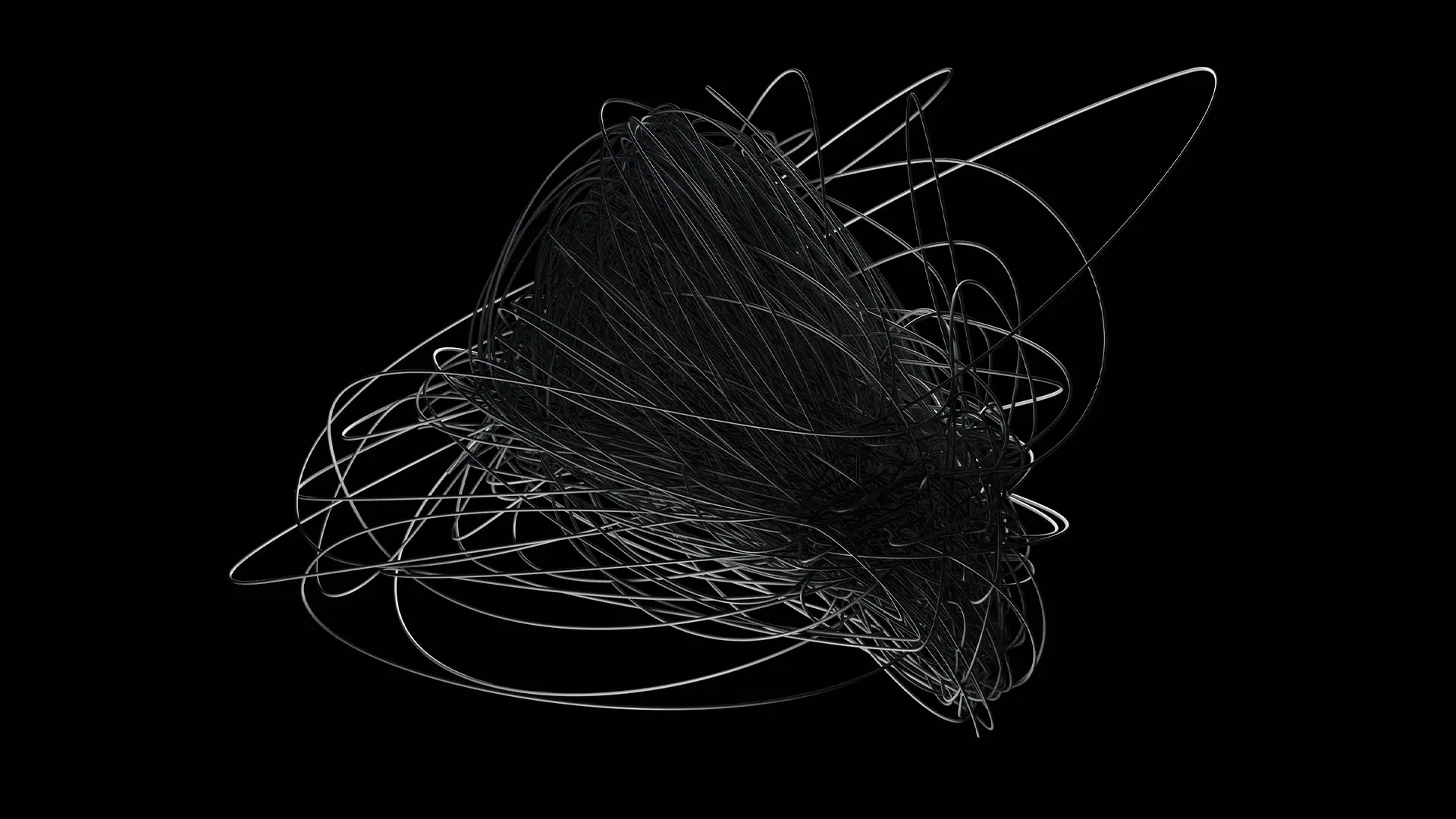
DE//Design Element / ionic element
Line/_.
Ideas area meant to be chaos at first/
Design
Element//
Line
P∈
Product Element/
Line
These are not strict rules but rather guidelines.
P∈
Product Element/
Line
UX Effects are not strict rules but rather guidelines.
P∈
Product Element/
Line
UX Effects are not strict rules but rather guidelines.
Line as UXU\ A\ Root Element that help designers and evaluators maintain a user-centered approach throughout the design process. They are typically used during heuristic evaluation, where usability experts assess a product based on these principles, flagging usability issues that need to be addressed.
Line as UXU\ A\ Root Element that help designers and evaluators maintain a user-centered approach throughout the design process. They are typically used during heuristic evaluation, where usability experts assess a product based on these principles, flagging usability issues that need to be addressed.
Tools Superpowers
to Generate Lines.
Tools
Superpowers
to Design iCon' Systems
Tools
Superpowers to Design iCon's Systems.
In the world of UX/UI design, icons play a crucial role in enhancing the user experience by providing clear, intuitive visual cues that guide users through interfaces. While often considered a secondary element in the broader scope of design, iconography is far from least important. Icons add clarity, improve navigation, and bring a polished, professional touch to any digital product. Designing effective icons requires the right tools, and that’s where applications like Adobe Creative Cloud 2025 and Figma shine.
In the world of UX/UI design, icons play a crucial role in enhancing the user experience by providing clear, intuitive visual cues that guide users through interfaces. While often considered a secondary element in the broader scope of design, iconography is far from least important. Icons add clarity, improve navigation, and bring a polished, professional touch to any digital product. Designing effective icons requires the right tools, and that’s where applications like Adobe Creative Cloud 2025 and Figma shine.
03. WIREFRAMING FOR Lo-FI Dev:
LoFi Wireframing
01.
Brand Strategy
02.
Digital Strategy
03.
Brand Positioning
04.
Discoverability
04. PROTOTYPING TOOLS FOR HI-FI Dev:
HiFi Prototyping
01.
Brand Strategy
02.
Digital Strategy
03.
Brand Positioning
04.
Discoverability
17. hi-end tools for Dev Productivity:
Hardware
01.
Brand Strategy
02.
Digital Strategy
03.
Brand Positioning
04.
Discoverability
Line
Twelve UD elements rules
with three goals in mind:
Line
Twelve UD elements rules
with three goals in mind:
Line
Twelve UD
elements rules
with three goals in mind:
A line is a continuous mark that can vary in width, direction, and length. It can define shapes, create textures, and lead the viewer’s eye in a particular direction. Lines can be straight, curved, wavy, or dashed.
A line is a continuous mark that can vary in width, direction, and length. It can define shapes, create textures, and lead the viewer’s eye in a particular direction. Lines can be straight, curved, wavy, or dashed.
UD/ionic elements
UX/UI Design & Development
2024
Line properties:
Width
<User-Centered Design Foundation/>®
Direction
<User-Centered Design Foundation/>®
Length
<User-Centered Design Foundation/>®
Straight
<User-Centered Design Foundation/>®
Curved
<User-Centered Design Foundation/>®
Wavy
<User-Centered Design Foundation/>®
Dashed
<User-Centered Design Foundation/>®
_
<User-Centered Design Foundation/>®
UD/elements
2008
By Featured MVP/MDP
Methods
Line properties:
Width
<User-Centered Design Foundation/>®
Direction
</method to ask>
Length
</method to ask>
Straight
</method to ask>
Curved
</method to ask>
Wavy
</method to ask>
Dashed
</method to ask>
Postel
</method to ask>
Steering
</method to ask>
UD/elements
2008
By MVPs
Methods
Line properties:
Width
<User-Centered Design Foundation/>®
Direction
</method to ask>
Length
</method to ask>
Straight
</method to ask>
Curved
</method to ask>
Wavy
</method to ask>
Dashed
</method to ask>
.
1
3