Figma Agent/////
All in Figma™/
Ecosystem 2027


A full EcoSystem
for Co/Creation within
the digital domain.
A full EcoSystem
for Co/Creation within the
digital domain.
A full
EcoSystem
for Co/Creation
within the
digital domain.
From zero speed of thought, to eight Figma Agent modes at the speed of thought.
From zero speed of thought,
to eight modes at the speed of thought.
From zero speed of thought,
to eight modes
at the speed of thought.
A\-driven plugins like Auto-flow, Content Reel, and Magician expand creativity at every stage—generating text, images, flows, and logic snippets. Widgets empower teams to bring interactivity to ideation, with polls, timers, and feedback tools right inside Figma Agent. The ecosystem becomes a playground for rapid, intelligent iteration.
A\-driven plugins like Auto-flow, Content Reel, and Magician expand creativity at every stage—generating text, images, flows, and logic snippets. Widgets empower teams to bring interactivity to ideation, with polls, timers, and feedback tools right inside Figma Agent. The ecosystem becomes a playground for rapid, intelligent iteration.
A\-driven plugins like Auto-flow, Content Reel, and Magician expand creativity at every stage—generating text, images, flows, and logic snippets. Widgets empower teams to bring interactivity to ideation, with polls, timers, and feedback tools right inside Figma Agent. The ecosystem becomes a playground for rapid, intelligent iteration.
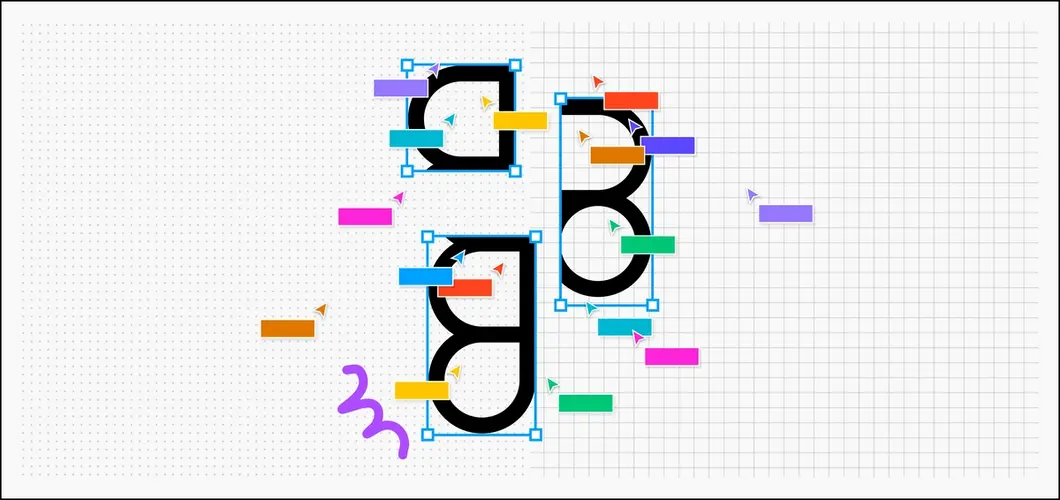
RealTime Inspiration
Ideation + CoCreation = Real CoDesign
Help streamline your workflow by auto-sorting layers, naming elements, grouping frames, and managing assets. Empower designers to add visual flair with ease—think shadows, blurs, textures, and animation magic—speeding up creativity while keeping consistency on point.
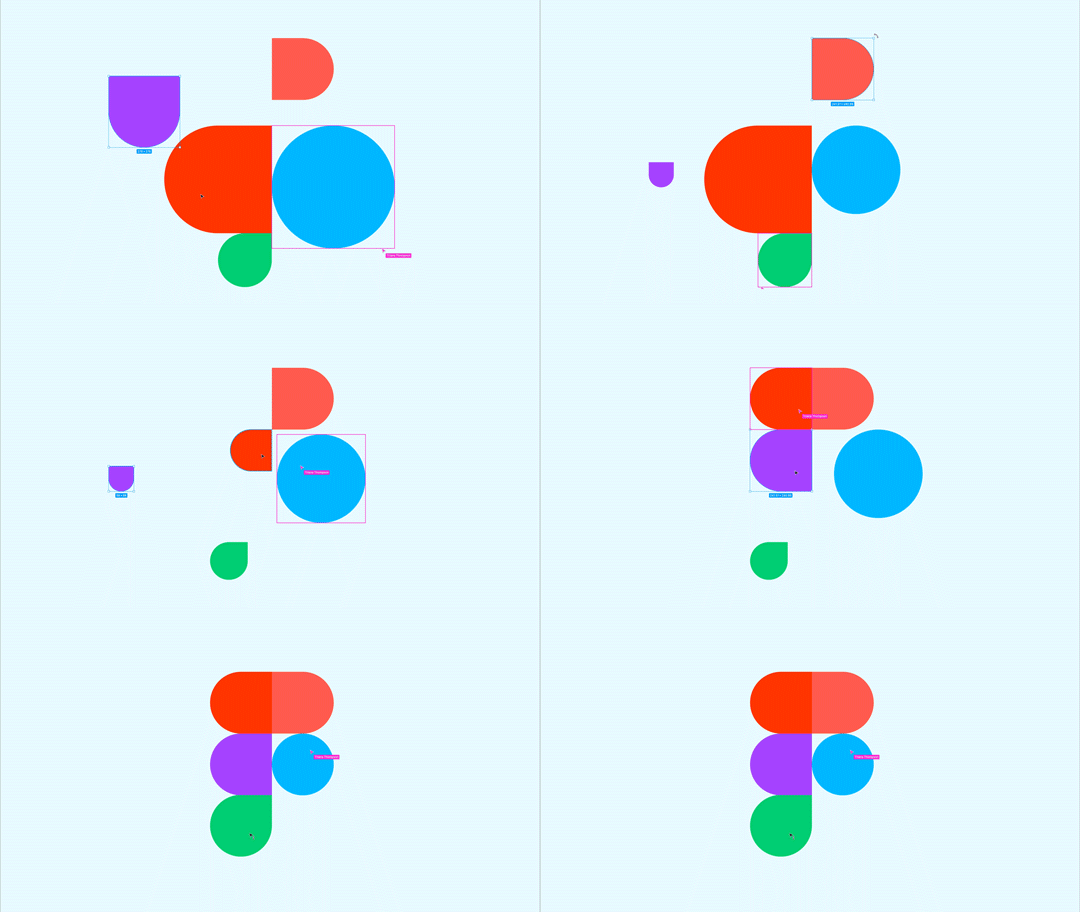
Figma A\ Speed
Powered Extensions + FoF Communities
Supercharge your workflow—automating text tweaks, refining visuals, resizing, aligning, renaming layers, and enhancing speed, precision, and creative control effortlessly.

Figma Modes
FJ+Buzz+Make+Code+Slides+Motion+Sites
From raw ideas in FigJam to polished prototypes and Slides in Figma, and from design to dev—every step is faster, smarter, and more connected.
RealTime Inspiration
CoDesign = Ideation + CoCreation
Help streamline your workflow by auto-sorting layers, naming elements, grouping frames, and managing assets. Empower designers to add visual flair with ease—think shadows, blurs, textures, and animation magic—speeding up creativity while keeping consistency on point.
Figma Plugins
Ai Powered + Communities + Speed
supercharge your workflow—automating text tweaks, refining visuals, resizing, aligning, renaming layers, and enhancing speed, precision, and creative control effortlessly.
Figma Modes
FigJam + Wires + Proto + Slides + Dev
From raw ideas in FigJam to polished prototypes and Slides in Figma, and from design to dev—every step is faster, smarter, and more connected.
Design Systems Governance under
Visual Coverage™
Design Systems Governance under
Visual Coverage™
Design Systems Governance under
Visual
Coverage™
Imagine coloring every design system component on the screen green if it comes from the design system, and red if it doesn’t. Then, counting those pixels to get a percentage. It’s not just about counting components in Figma. It’s about measuring how much of your product, as seen by real users, is actually built with the Design System components that works under strategic metrics. That is, Visual Coverage™1.0 for Atomic Design Systems Governance to generate measured consistency UXU\ A\X wise.
Imagine coloring every design system component on the screen green if it comes from the design system, and red if it doesn’t. Then, counting those pixels to get a percentage. It’s not just about counting components in Figma. It’s about measuring how much of your product, as seen by real users, is actually built with the Design System components that works under strategic metrics. That is, Visual Coverage™1.0 for Atomic Design Systems Governance to generate measured consistency UXU\ A\X wise.
Imagine coloring every design system component on the screen green if it comes from the design system, and red if it doesn’t. Then, counting those pixels to get a percentage. It’s not just about counting components in Figma. It’s about measuring how much of your product, as seen by real users, is actually built with the Design System components that works under strategic metrics. That is, Visual Coverage™1.0 for Atomic Design Systems Governance to generate measured consistency UXU\ A\X wise.
Design system metrics like token usage or static analysis are great — but,
they don’t speak the same language as product teams.
“Design system metrics like token usage or static analysis are great — but they don’t speak the same language as product teams.”
Four-Layer VC™
Governance for
Atomic Design Systems
A browser-Based Algorithm that runs directly on your users’ devices. It calculates how much of a given page is built with an Atomic Design System [ADS] components. Not by counting DOM nodes or scanning code-bases, but by analyzing rendered pixels with four identified metrics as: Browser-Based Algorithms, Product-Oriented, Real-Time Agile and User-Perspective driven atomic design systems. Visual Coverage in four layers, step by step:
Four-Layer VC™
Governance for
Atomic Design Systems
A browser-based Algorithm that runs directly on your users’ devices. It calculates how much of a given page is built with Atomic Design System [ADS] components. Not by counting DOM nodes or scanning code-bases, but by analyzing rendered pixels with these metrics: Browser-Based Algorithms, Product-Oriented, Real-Time Agile and User-Perspective driven atomic design systems.Visual Coverage in four layers, step by step:
Four-Layer VC™
Governance for
Atomic Design Systems
a Browser-Based Algorithm that runs directly on your users’ devices. It calculates how much of a given page is built with Atomic Design System [ADS] components. Not by counting DOM nodes or scanning codebases, but by analyzing rendered pixels with these metrics: Browser-Based Algorithms, Product-Oriented, Real-Time Agile and User-Perspective driven atomic design systems. Visual Coverage in four layers, step by step:

Browser-Based Algorithm
It calculates in Green/Red of a given page is built w/ Atomic Design Systems [ADS].
Drag to swipe

Product-Oriented
A. Conversion rates B. User engagement C. Where the ADS is used and helping.
Keep swiping

Agile in Real-Time
A. JavaScript-based, B. Pixel analysis, C. Live ADS dashboards components weight.
Almost there, one more

User-Perspective
A. Adopting ADSs, B. Visual dashboards, C. Framework for OKR-AI+B2B initiatives.
Back to the Beginning
.
1
3