Figma Agent 2027
Code™Layers/
Mode



MCP Server
MCP stands for Model Context Protocol, a new standard for feeding AI tools, the real structured data behind our design systems within AI.
With the Dev Mode MCP server enabled, our Figma file becomes an interactive context layer that A\ coding tools can access. It’s like giving your dev tools X-ray vision: instead of guessing at your spacing, colors, or component logic, they now know.
This means,
Higher-fidelity code generation that respects your system’s styles, tokens, and layout
Faster handoff and iteration, especially with AI-enhanced IDEs (Integrated Dev Environment) like Cursor
More reliable design-to-code workflows, especially when your design system is cleanly structured
The better our design system, the better the code that comes out.
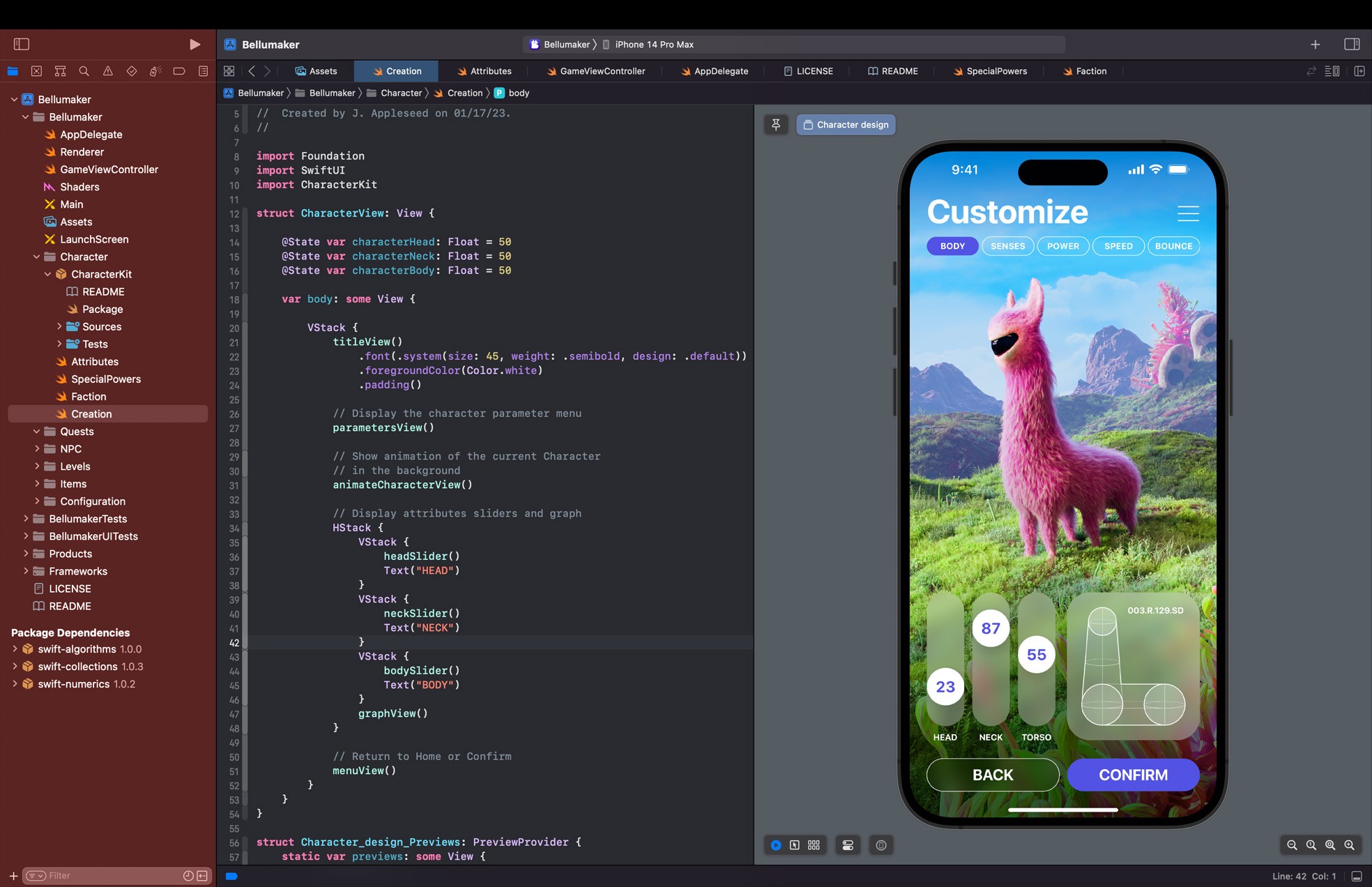
Why Code Layers? Figma’s Dev Mode facilitates a streamlined collaboration between developers and designers, reducing the friction between the two. Code Connect lets you instantly generate ready-to-use snippets by linking your codebase with your existing design system in Figma.















SwiftUI Inspector
Dev workflow by copying and pasting element styles from your Figma files into your Xcode project.
15
.
1
3